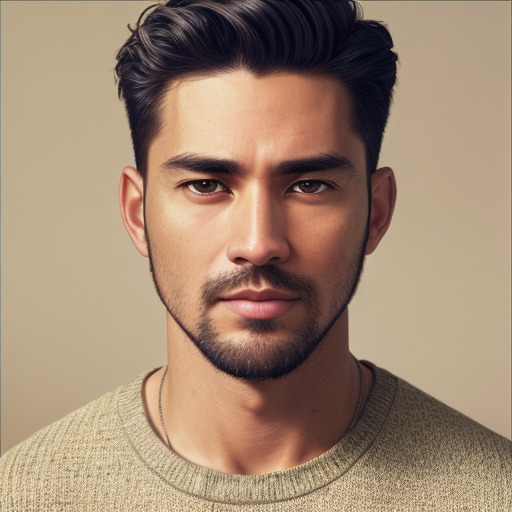
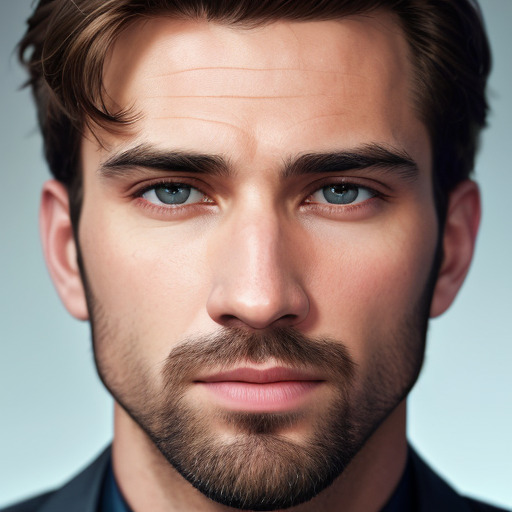
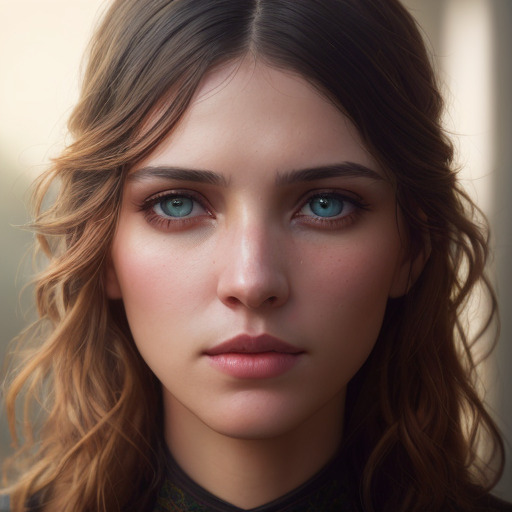
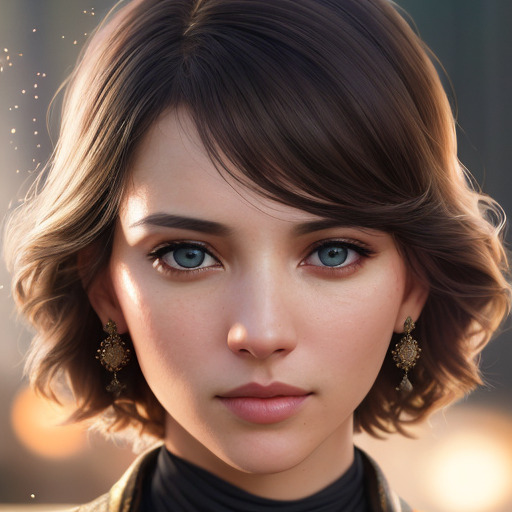
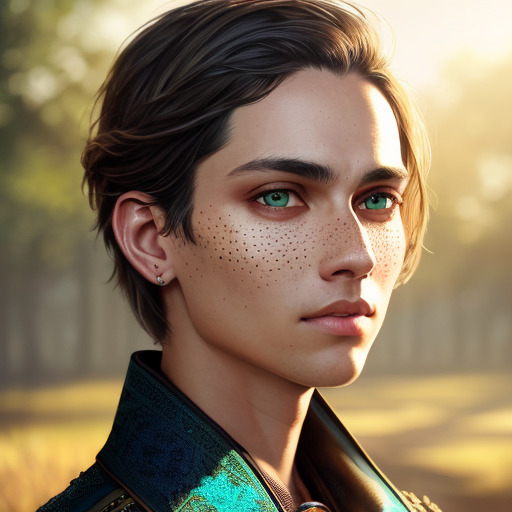
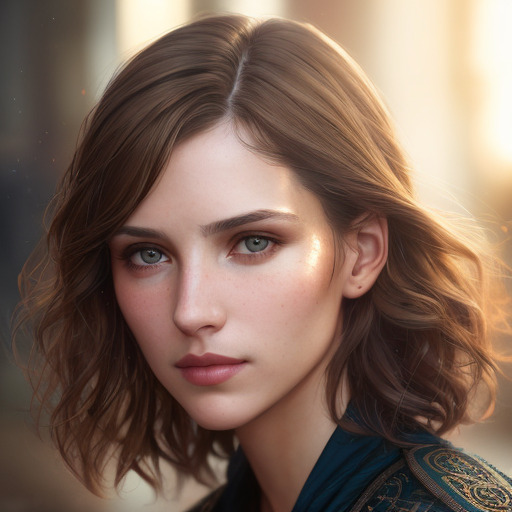
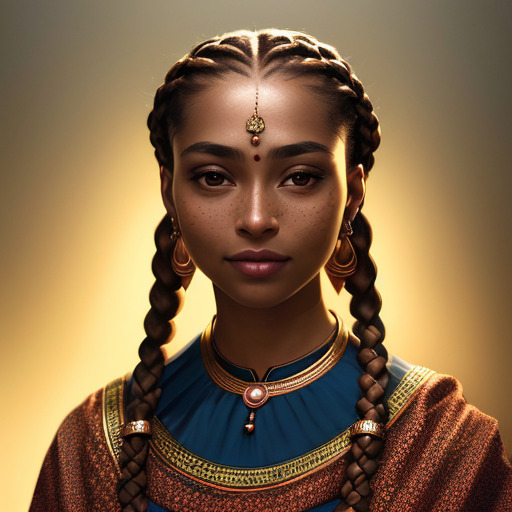
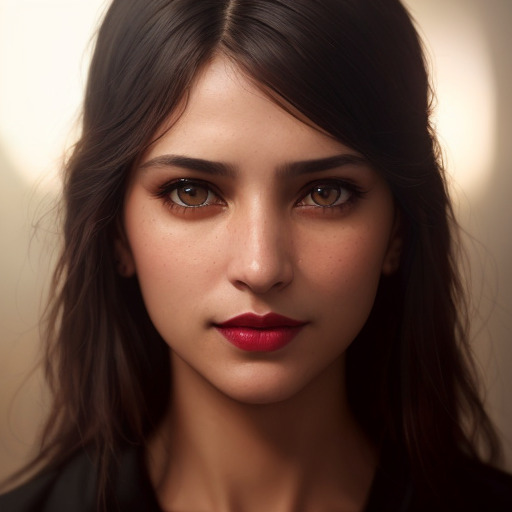
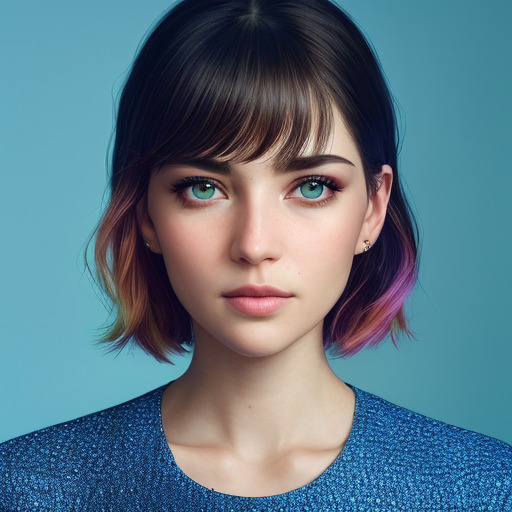
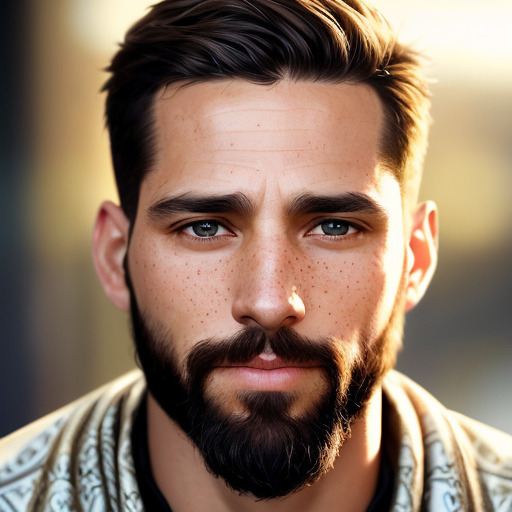
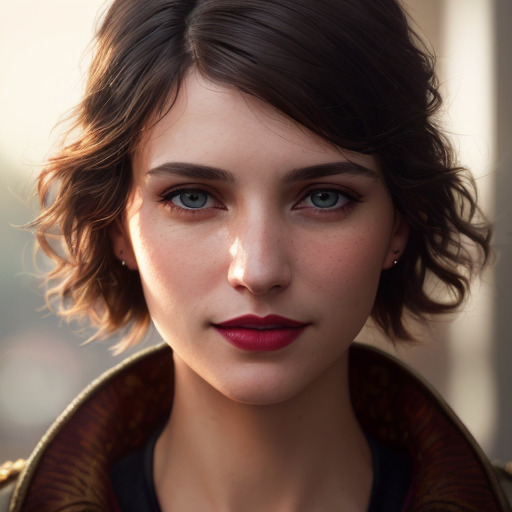
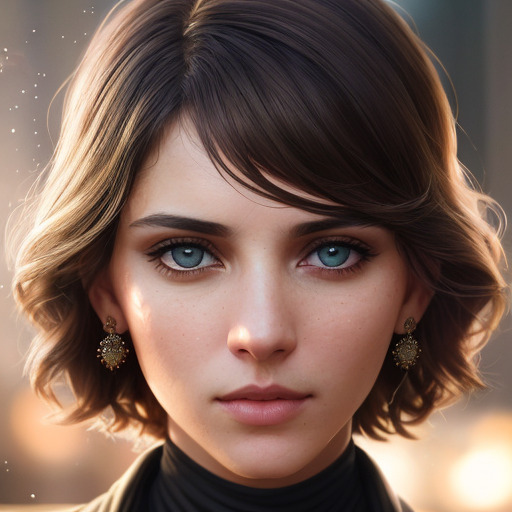
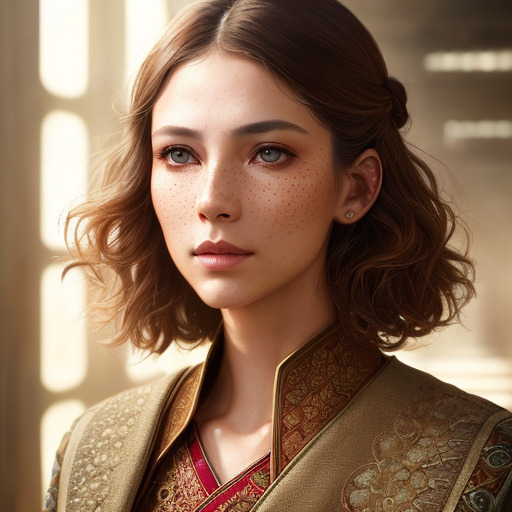
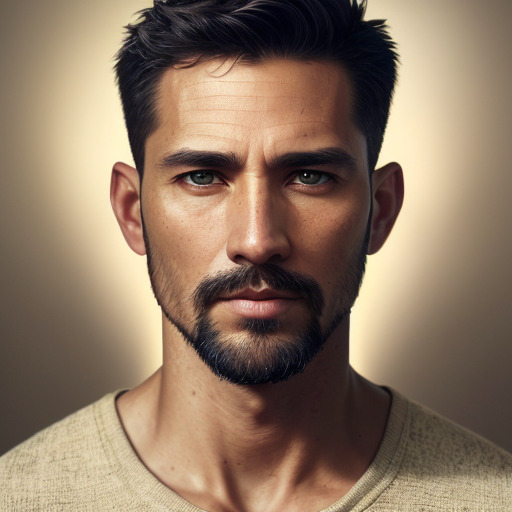
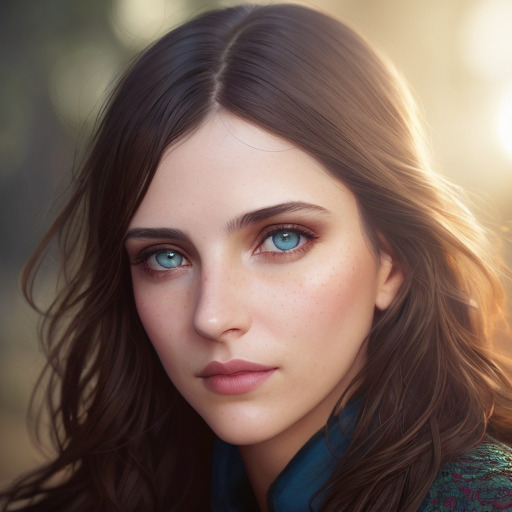
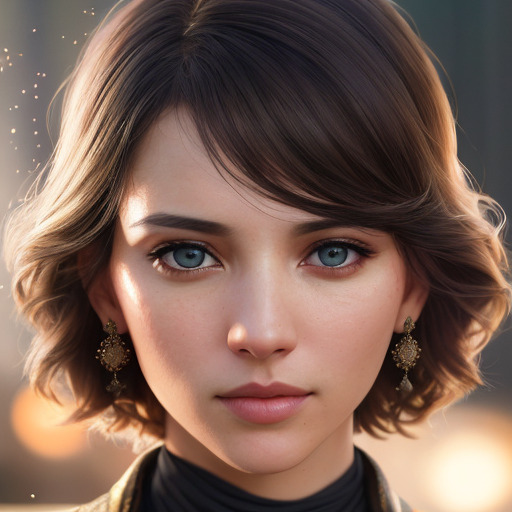
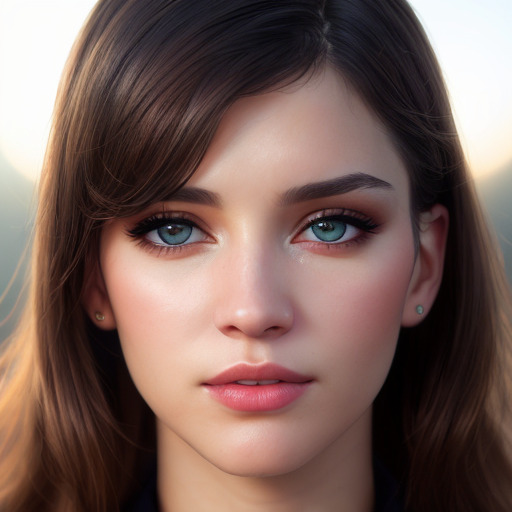
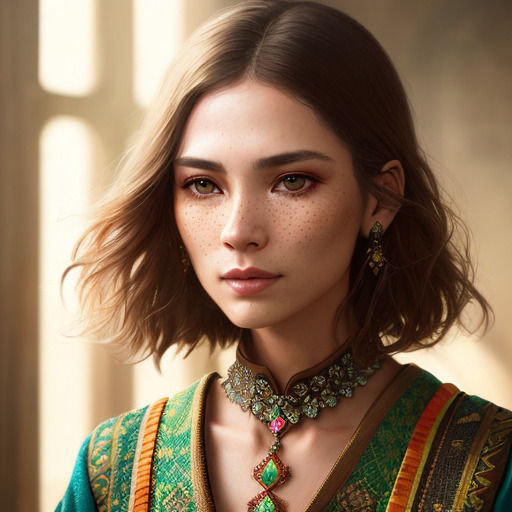
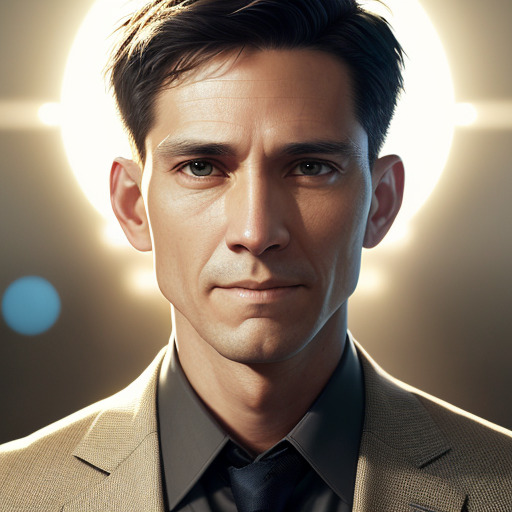
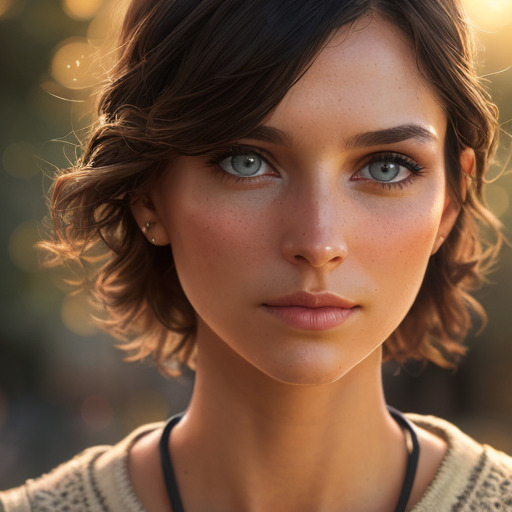
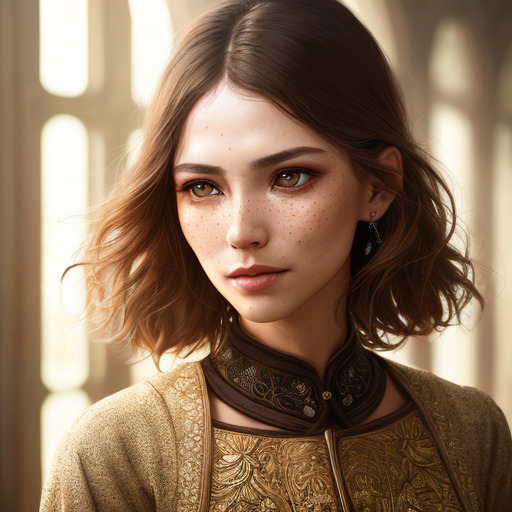
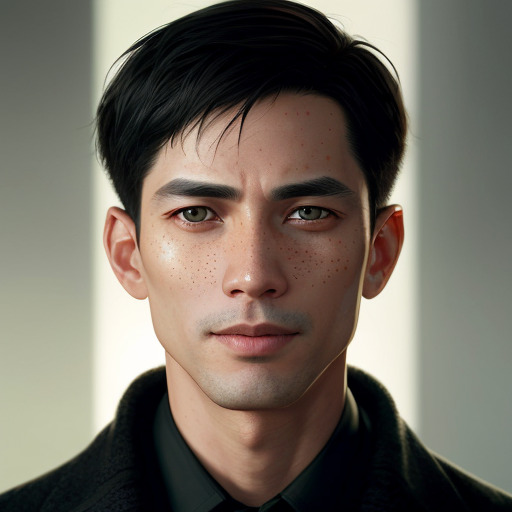
Turn Any Photo into a Talking Video

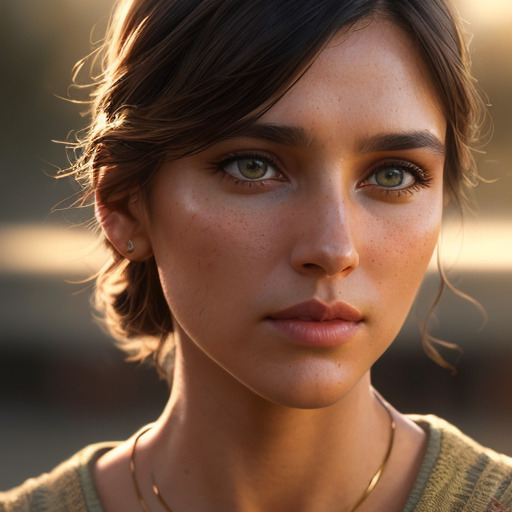
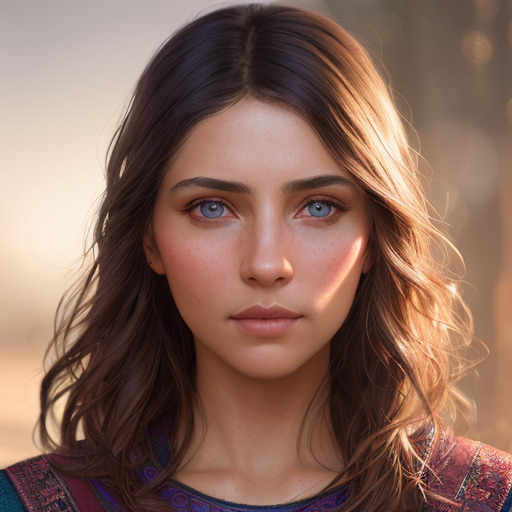
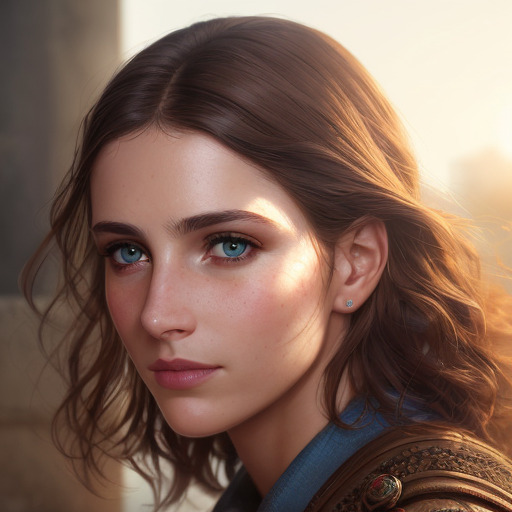
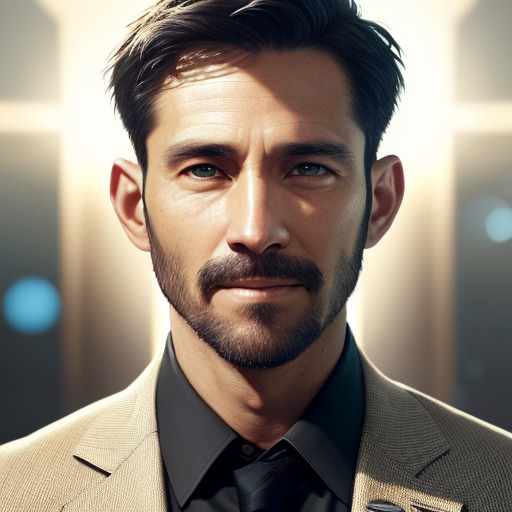
Upload a portrait, type your script, get a talking head video in minutes. Clone your voice or choose from 500+ AI voices in 65+ languages.

Free to start · No credit card · Cancel anytime

167K+creators
474K+videos created
65+languages
Puppetry Studio
Apple

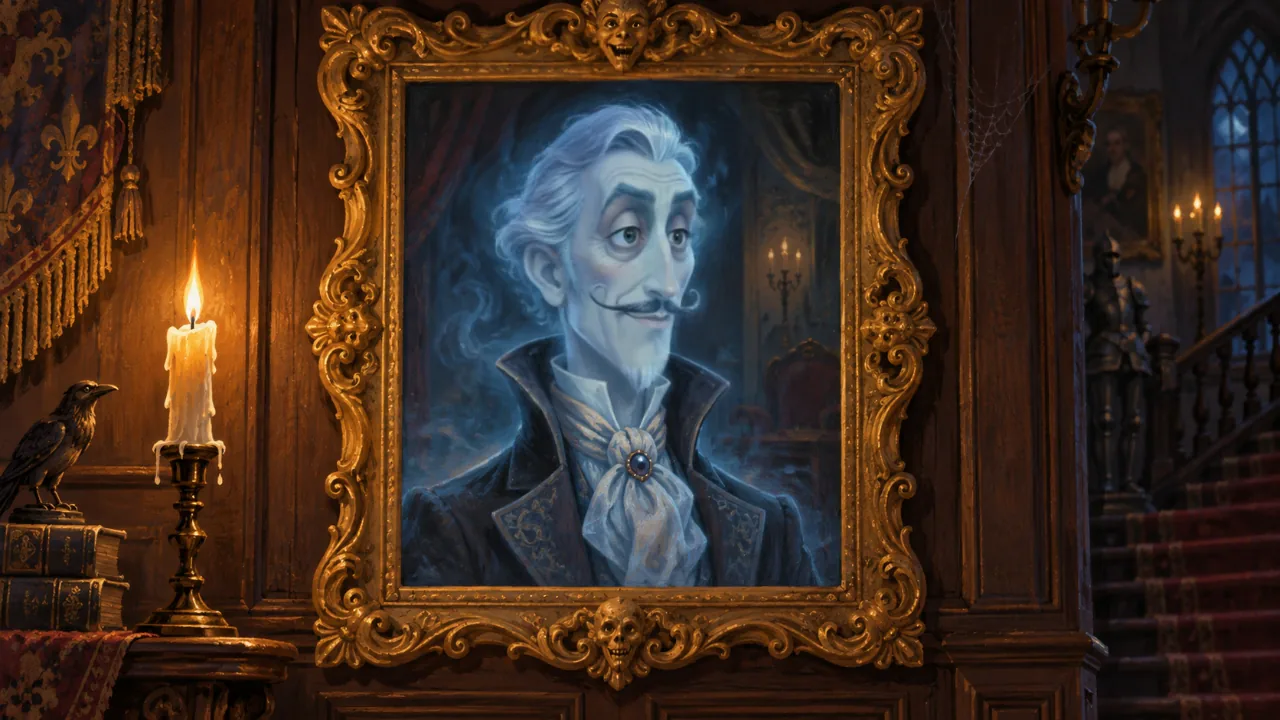
Pick a character and hit Play to hear them talk

4.5/5from 167K+ creators
Featured on Product Hunt500 Global Batch 34Used in 50+ countries

How It Works

Create your first talking video in 3 simple steps

1

Upload a Photo

Upload any portrait photo — a selfie, headshot, or even an AI-generated face. Works with any face!

2

Type Your Script

Write what you want the character to say, or use our AI script generator. Choose from 500+ voices in 65+ languages.

3

Get Your Video

Our AI generates a realistic talking video with natural lip sync. Download, share, or add captions — all in minutes.

Try it yourself — no sign-up needed

Pick a character, choose a script, and see the magic

Hi there! I'm your AI puppet. Type anything and I'll say it — no camera, no editing, no fuss.
Generate This Video — Free

Free account · 3 videos/month · No credit card

See Puppetry in Action

Watch our AI-animated fruit characters tell a story — all created from still images

Simple, Transparent Pricing

Start free, upgrade when you need more

Free

3 creations/month

$0forever
  • All features included
  • Kokoro & OpenAI voices
  • 65+ languages
  • Watermarked output
Start Free

Starter

10 creations/month

$3/month
  • No watermark
  • ElevenLabs premium voices
  • Magic Edit
  • Commercial license
Get Started
Most Popular

Creator

100 creations/month

$15/month
  • Everything in Starter
  • ElevenLabs premium voices
  • Magic Edit
  • Commercial license
Subscribe

Studio

300 creations/month

$30/month
  • Everything in Creator
  • Voice cloning
  • Priority rendering
  • Dedicated support
Go Studio

No credit card for free plan · Cancel anytime · 7-day money-back guarantee · Compare all plans →

Free AI Puppets

Meet Our Pixar-Style Puppet Characters

Fun, expressive characters perfect for teachers, educators, and content creators. Each one talks, moves, and comes to life with AI animation.

👇 Click a puppet below to hear them talk!

🍎 The Great Fruit Talent Show — 6 AI characters, 6 unique voices, 1 story

👩‍🏫 Classroom Lessons📹 YouTube Education🎓 Online Courses📱 Social Media🌍 Language Learning
Try These Puppets Free

No credit card required · 500+ AI voices · 65+ languages

Built for Every Creator

From educators to marketers, 167K+ creators in 50+ countries trust Puppetry

188K+ Puppets Available

Choose from Our Puppet Gallery

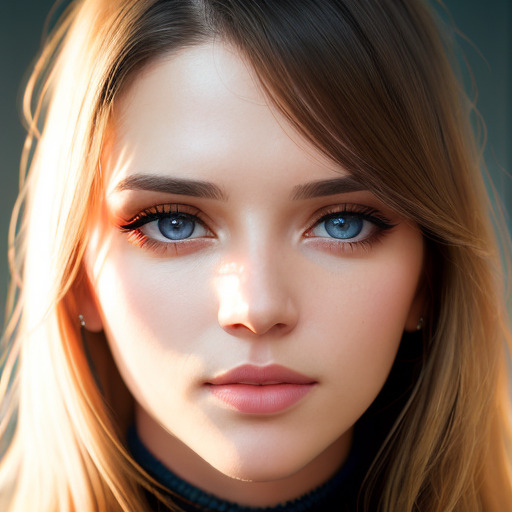
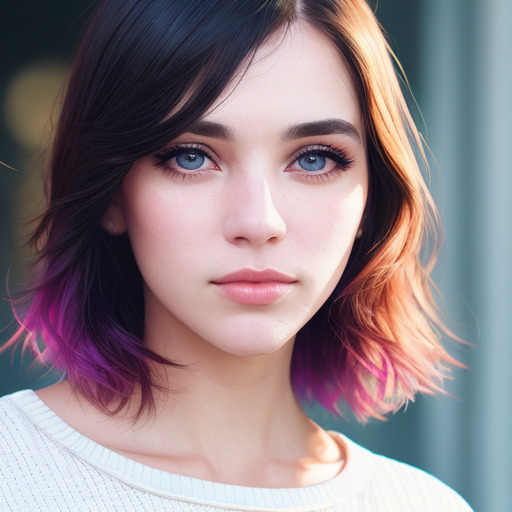
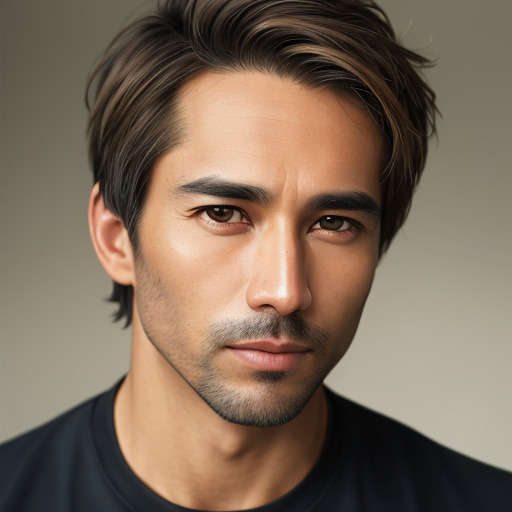
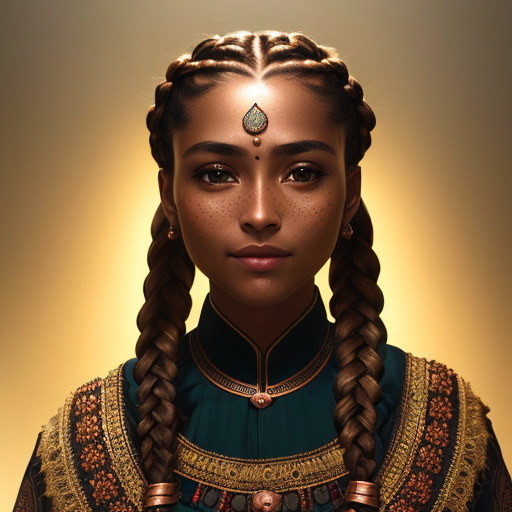
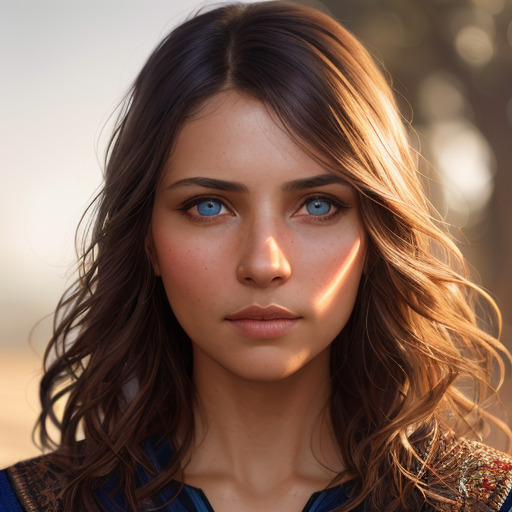
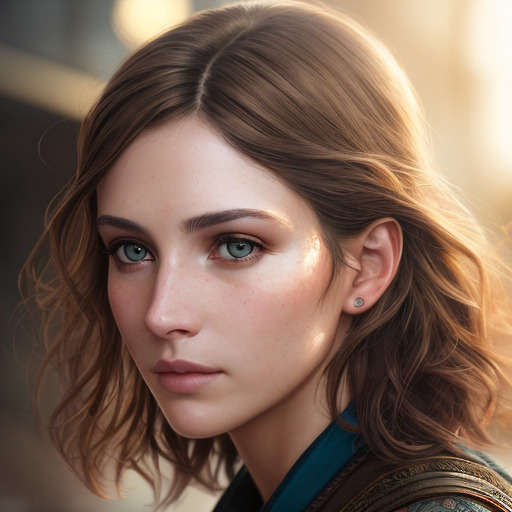
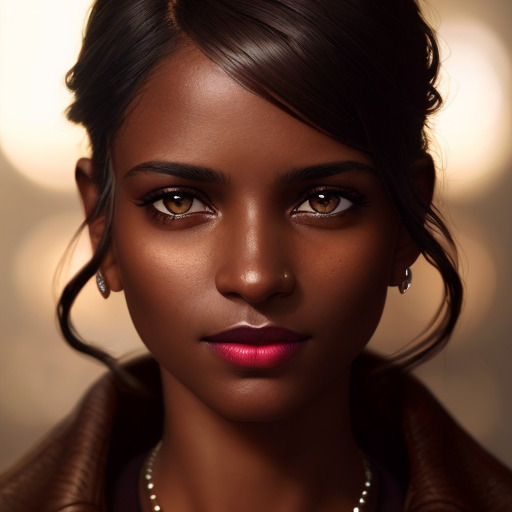
Browse thousands of ready-to-use AI presenters. From realistic professionals to creative characters.
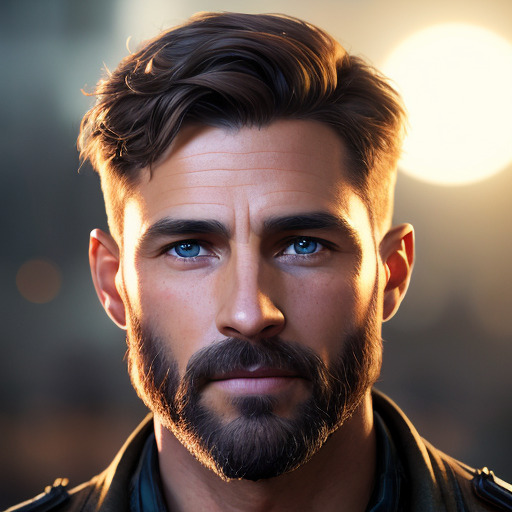
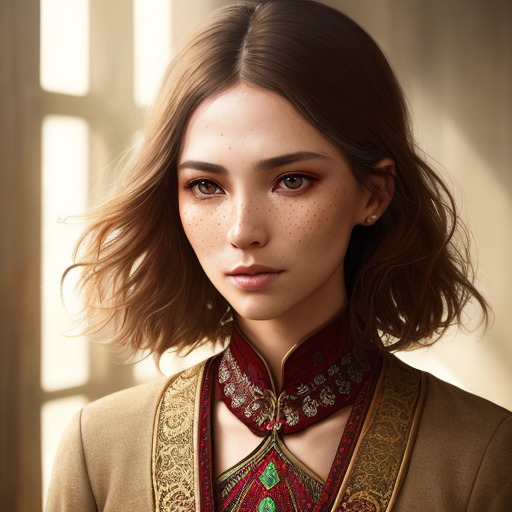
AI puppet
AI puppet
AI puppet
AI puppet
AI puppet
AI puppet
AI puppet
AI puppet
AI puppet
AI puppet
AI puppet
AI puppet
AI puppet
AI puppet
AI puppet
AI puppet
AI puppet
AI puppet
AI puppet
AI puppet
AI puppet
AI puppet
AI puppet
AI puppet
AI puppet
AI puppet
AI puppet
AI puppet
AI puppet
AI puppet
AI puppet
AI puppet
AI puppet
AI puppet
AI puppet
AI puppet
AI puppet
AI puppet
AI puppet
AI puppet
AI puppet
AI puppet
AI puppet
AI puppet
AI puppet
AI puppet
AI puppet
AI puppet
AI puppet
AI puppet
AI puppet
AI puppet
AI puppet
AI puppet
AI puppet
AI puppet
AI puppet
AI puppet
AI puppet
AI puppet
AI puppet
AI puppet
AI puppet
AI puppet
AI puppet
AI puppet
AI puppet
AI puppet
AI puppet
AI puppet
AI puppet
AI puppet
AI puppet
AI puppet
AI puppet
AI puppet
AI puppet
AI puppet
AI puppet
AI puppet
AI puppet
AI puppet
AI puppet
AI puppet
AI puppet
AI puppet
AI puppet
AI puppet
AI puppet
AI puppet
AI puppet
AI puppet
AI puppet
AI puppet
AI puppet
AI puppet

What Our Users Say

Puppetry is your fastest and easiest solution to add a talking head in your videos. Perfect for both marketing and educational presentations to make videos more engaging and lively!

Taco.Ling
AppSumo review

I created a video for our blog and now I have an avatar reading the blog so visitors can listen to it instead of reading. That is really nice. Really impressive, even with foreign languages.

almoreno
AppSumo review

It does what it does quite well: animating avatars. I love using it with 3D-style avatars.

matthias.wiemeyer
AppSumo review

Frequently Asked Questions

Everything you need to know about Puppetry's AI animation studio

Animator

What is Puppetry?
Puppetry is a comprehensive toolset designed to simplify the complex task of face animation. By leveraging advanced technology, Puppetry allows users to create lifelike, animated faces through a simple script, eliminating the need for intricate manual adjustments.Try it in studio
What is the Puppetry App for?
The Puppetry App is the easiest way to Animate a face. Creators use it to create animation videos, game assets, instagram posts, mock storyboards and so much more. The App helps us test our technology and bring it in front of our users.Try it in studio
How does Puppetry App generate animated videos?
The Puppetry App uses our API to generate videos using text or video. You provide (or generate) a face and we'll make it talk using the text you specify or a video you record of yourself.Try it in studio
Are there any tips on recording the videos in Puppetry App?
Try to start with a neutral face. It's better to start with the same kind of facial expression that the image you are driving is in. That way our models can figure out how to move the image correctly.Try it in studio

Images

Can I generate custom avatars?
Yes! Use our Puppet Generator to create custom AI avatars, or upload your own images. You can also use our Image Generator to create new characters, or Cartoonify existing photos.Try it in studio
What image formats and sizes are supported?
We support common formats (PNG, JPG) and generate images at 512x512px resolution. For video shorts, we also support 9:16 aspect ratio.Try it in studio
Is there a limit to how many images I can generate?
Image generation has generous daily limits on all plans. Paid plans get significantly more generations per day.Try it in studio
Can I upload my own photo and animate it into a cartoon?
Yes! Puppetry now lets you cartoonify your own photo into Disney/Pixar, anime, or comic book style — and then animate it. Try the Cartoonify feature in the studio.Try it in studio

Voice

Can I upload my own voiceover?
Absolutely! You can upload your own audio file by clicking "Animate with Audio" in the Animator tab.Try it in studio
What's the maximum length of audio I can upload?
You can upload your audio as long as it's within 4-5 minutes, roughly translating to 1,000 words or 3,600 characters.
Can I animate with text?
Yes! You can animate your avatar by typing your text prompt if you click the "Animate with text" in the Animator tab.Try it in studio
Can I use an AI voice?
Absolutely! Puppetry has a lot of AI voice options you can choose for your avatar.Try it in studio
Is English the only language available?
Puppetry supports 65+ languages. Simply type the prompt in your language, and Puppetry will do the work of animating your avatar talking in your preferred language.
What voice style can I use?
Puppetry has a lot of voice styles to choose from in the Animator tab. Simply click "More voices" and select the voice style you want to use for your avatar. There are over 30 voice styles in Puppetry, so feel free to get creative!

Export

What is the output resolution of the generated videos?
Puppetry generates the best videos with 512 x 512px resolution.Try it in studio
Can I do a 9:16 aspect ratio for video shorts?
Yes! Puppetry supports a 9:16 aspect ratio if you want a generated image. You can also upload your own photo in a 9:16 format ratio, then animate it with Puppetry.
How long does it take to generate videos?
Most videos are ready in 2–5 minutes depending on script length. During peak hours, rendering may take a bit longer. Studio plan gets priority rendering for faster turnaround.
Can I export my video with a transparent background?
Unfortunately, Puppetry does not yet support exporting transparent generated videos. Rest assured, you can look forward to it in the future!

Pricing

Is Puppetry free to use?
Yes! Puppetry offers a free plan with 3 video creations per month — no credit card required. Free users get access to 45+ Kokoro AI voices and OpenAI voices. Paid plans start at $3/month for more creations and premium voices.
Is there a commercial license for Puppetry Content?
The Puppetry Professional and Business Plus plans offer commercial licensing. For specific requirements, please reach out to us at hi@puppetry.com and we will get back to you with details.
What's the difference between the AppSumo deal and the one on Canva?
If you purchase Puppetry Pro on Appsumo, you can also use the Pro on Canva. The Puppetry on the Canva app is limited and only a subset of the studio. In other words, Canva supports what you can do using Puppetry Studio but is limited in the number of avatars you can generate.

Comparison

How does Puppetry compare to Synthesia, HeyGen, and D-ID?
Puppetry offers similar AI talking head video capabilities at a fraction of the price. Synthesia starts at $22/month, HeyGen at $24/month, and D-ID at $5.90/month with limited credits. Puppetry starts free (3 videos/month) with paid plans from $3/month. Puppetry supports 500+ voices across 65+ languages, voice cloning, and lets you use any photo — not just pre-built avatars.

What is the cheapest AI video generator?
Puppetry is one of the most affordable AI video generators available. It offers a free plan with 1 creation per month, and paid plans starting at just $3/month. Most competitors start at $20+/month for similar features. Puppetry also includes 45+ free AI voices powered by Kokoro at no extra cost.
Can I use Puppetry to make YouTube, TikTok, or Instagram videos?
Yes! Puppetry is widely used for creating YouTube intros, TikTok content, Instagram Reels, and YouTube Shorts. It supports 9:16 vertical video format, has a built-in AI script generator with templates for each platform, and includes Caption Studio for adding animated subtitles — all essential for social media content.
What are the best AI tools for creating educational videos?
Puppetry is ideal for educators creating talking head lessons, multilingual content, and course videos. It's used by teachers and e-learning creators worldwide to produce engaging video lessons at scale. Upload any photo, type your lesson script, and generate a video in under 2 minutes. It supports 65+ languages for multilingual classrooms.
Does Puppetry have free AI voices?
Yes! Puppetry includes 45+ free AI voices powered by Kokoro across 8 languages (English, Spanish, French, Hindi, Italian, Japanese, Portuguese, Chinese). These voices are available on all plans including the free tier. Premium voices from ElevenLabs are available on Creator and Studio plans.

Still have questions? Contact our support team

Ready to Create Your First Talking Video?

Join 167K+ creators making engaging videos with AI.

We are upgrading our software, so some services may not work for a short time.