
AI Talking Head: Latest Features & Use Cases 2026
Today’s blog highlights the latest Puppetry AI features and use cases. Check them out and see how you can use Puppetry for your creative projects!
Puppetry AI is an innovative platform for creators, educators, and anyone who wants to generate an AI talking head for social media, presentations, newsletters, and corporate training videos, among others.
It allows users to generate a talking head video AI from photos, text, video, or audio - fast and without the need to be in front of the camera.
To date, over 164,000 creators have used it to create AI presenter videos (467,000+ videos) and generate AI images (1.4M puppets created). Keep reading and learn more!
Turning Images Into Talking Videos
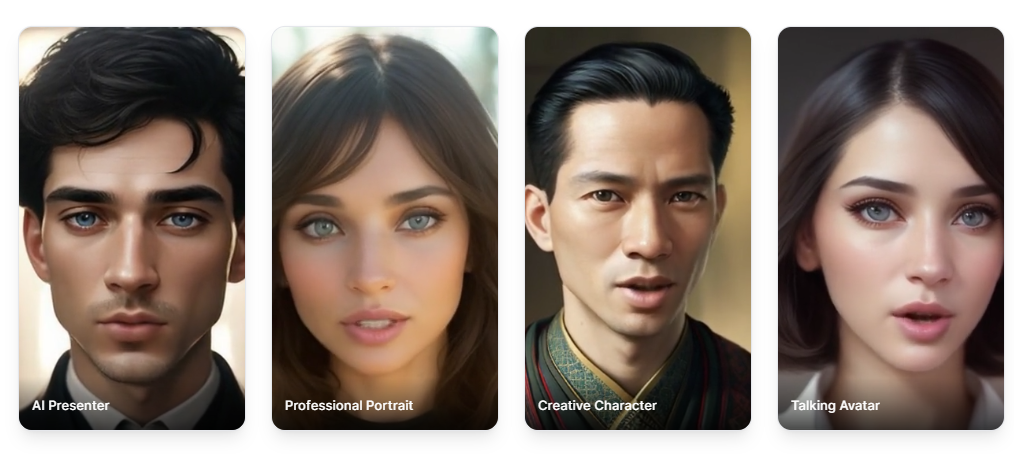
Do you want to turn photographs, AI-generated images, stylized or cartoon characters, or game illustrations into talking heads? This talking head video generator can animate just about any image with a face!
How? Upload an image, copy and paste your script into the AI video creator (or use the built-in AI script writer to write for you!). Click generate
So, to create talking head videos from an image, upload an image, provide a script or audio, and generate your AI video. Puppetry AI’s innovative system generates it with synchronized ‘lip movement’ and facial expression (animation). More in the following.
How to Create an AI Talking Head
Here are the different methods available on this animated talking head platform. Check them out, and use what you prefer (It supports different input methods - giving you the flexibility on how you want your animated AI puppet created).
1. Talking Videos From Text
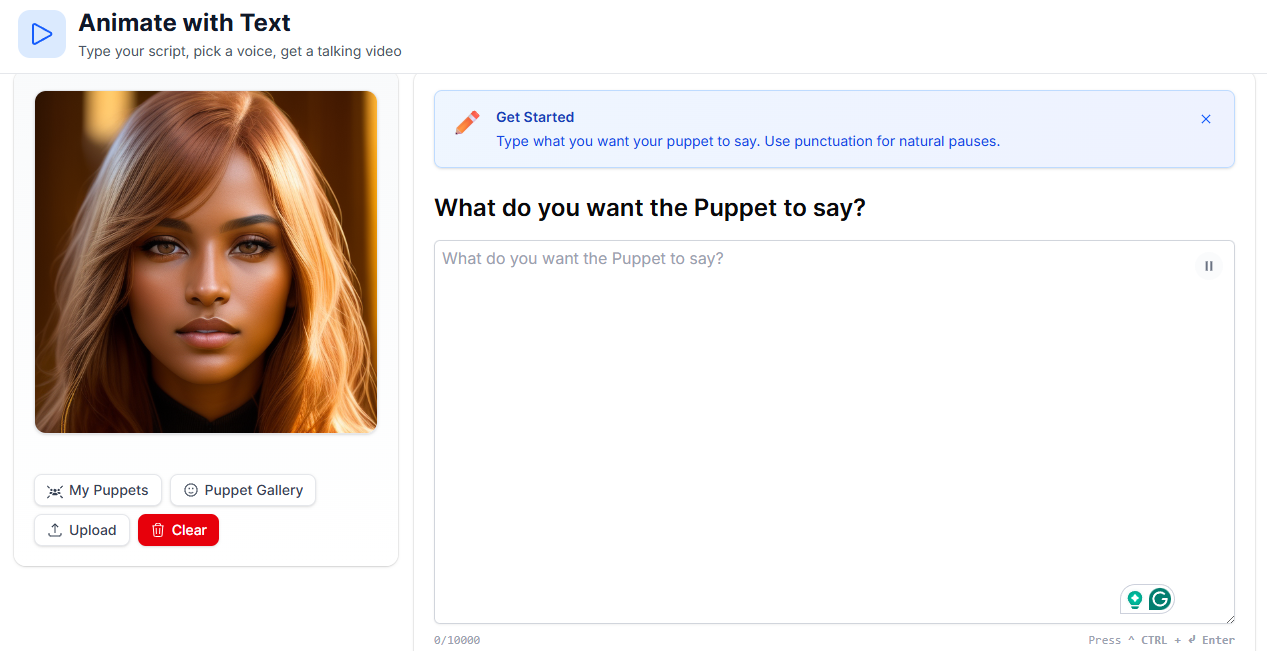
Are you a social media content creator? An educator? Perhaps a marketer looking to create informational or explainer videos? Or maybe a corporate trainer? Quickly generate (without filming involved) from text and get your video ready in minutes (depending on length).
-
Type your script.
-
Choose a voice (over 500 and in 29 languages). Each has a distinct speaking style and different accents.
-
Generate an audio, and listen to it. If good, proceed to the next step.
-
Generate the video.
2. Animate With Audio
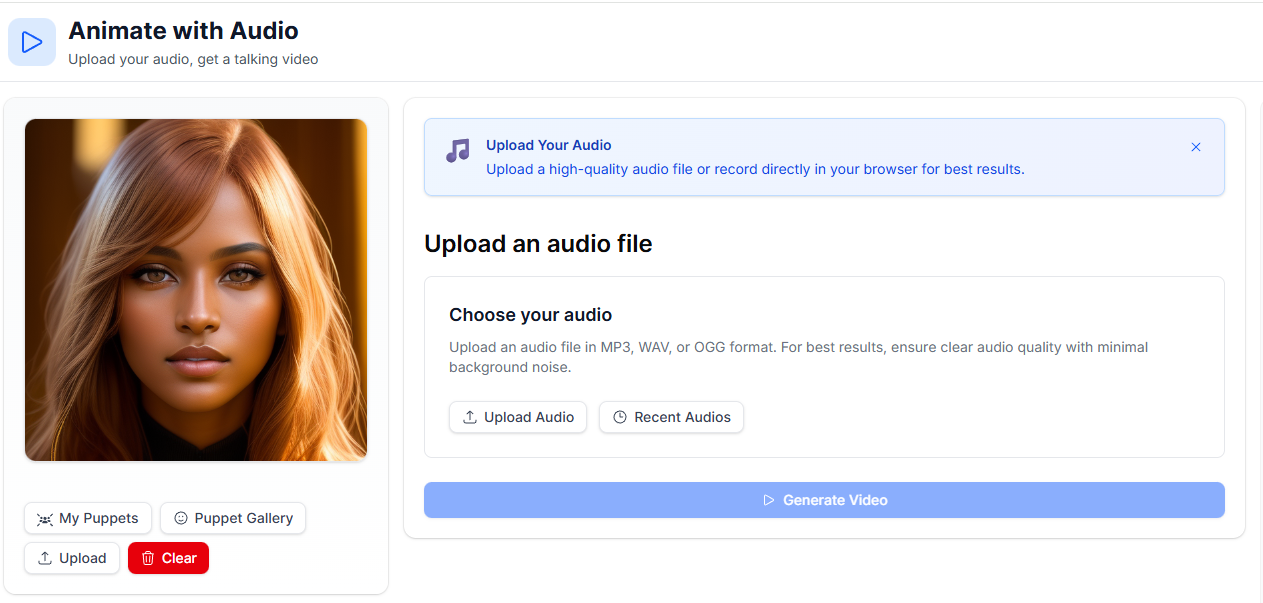
Another option for creating an animated talking head is from audio!
-
Choose an image from your computer, or use one of the ready-generated puppets from the gallery.
-
Upload a high-quality audio file, or record directly.
-
Click generate video.
This platform supports
-
OGG
-
WAV
-
MP3
Pro Tip: Choose a high-quality audio, and as much as possible, one with minimal background noise.
3. Animate With Video
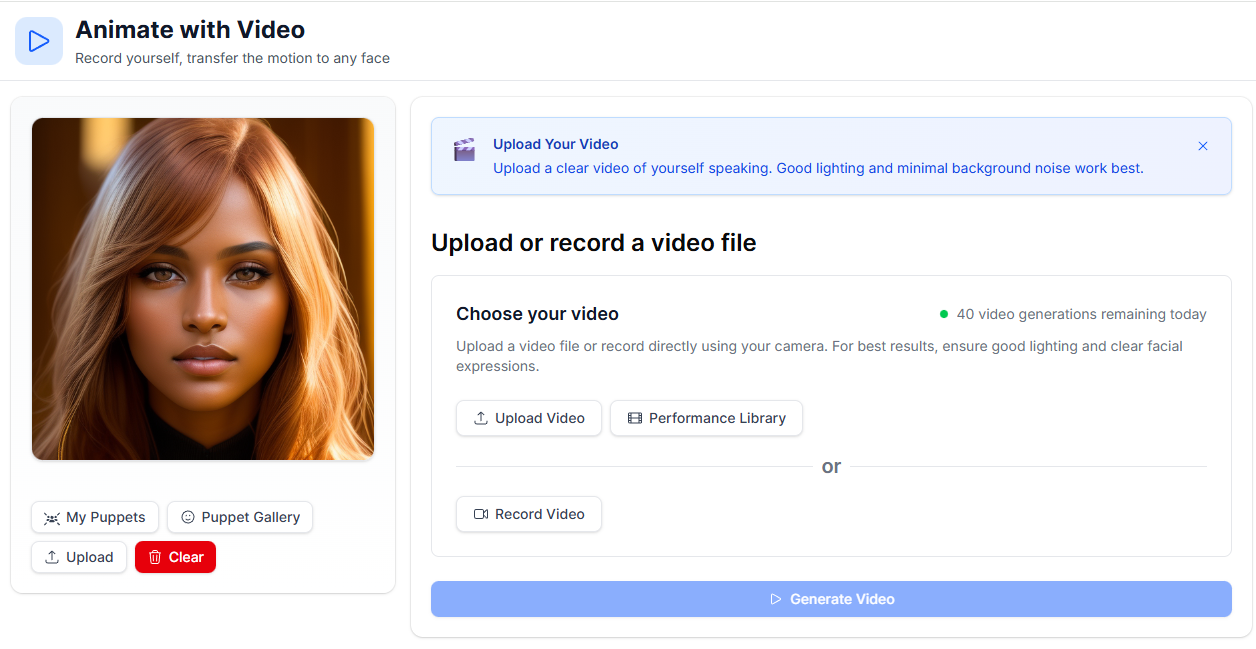
Creators, good news! You can also use this faceless video creation tool to generate an animated puppet from a video! It’s easy to create a no-camera video with this platform through the following steps.
-
Upload a high-quality video. [Or record yourself speaking in front of a camera.]
-
Choose one of the puppets, create one via the puppet generator, or upload an image of yourself.
-
Click generate video!
Watch how this virtual video creation tool can help you create an AI presenter for as many videos as you want, while allowing you to reuse one performance across characters (you can find these in the performance library)! This creates consistency - minus you appearing on camera.
Voice and Audio Features
With Puppetry AI, users don’t only get to animate an image with voice but also generate audio, perfect for those who love to generate voice and audio, then animate it for presentations, explainers, and so on.
1. AI Audio Generation
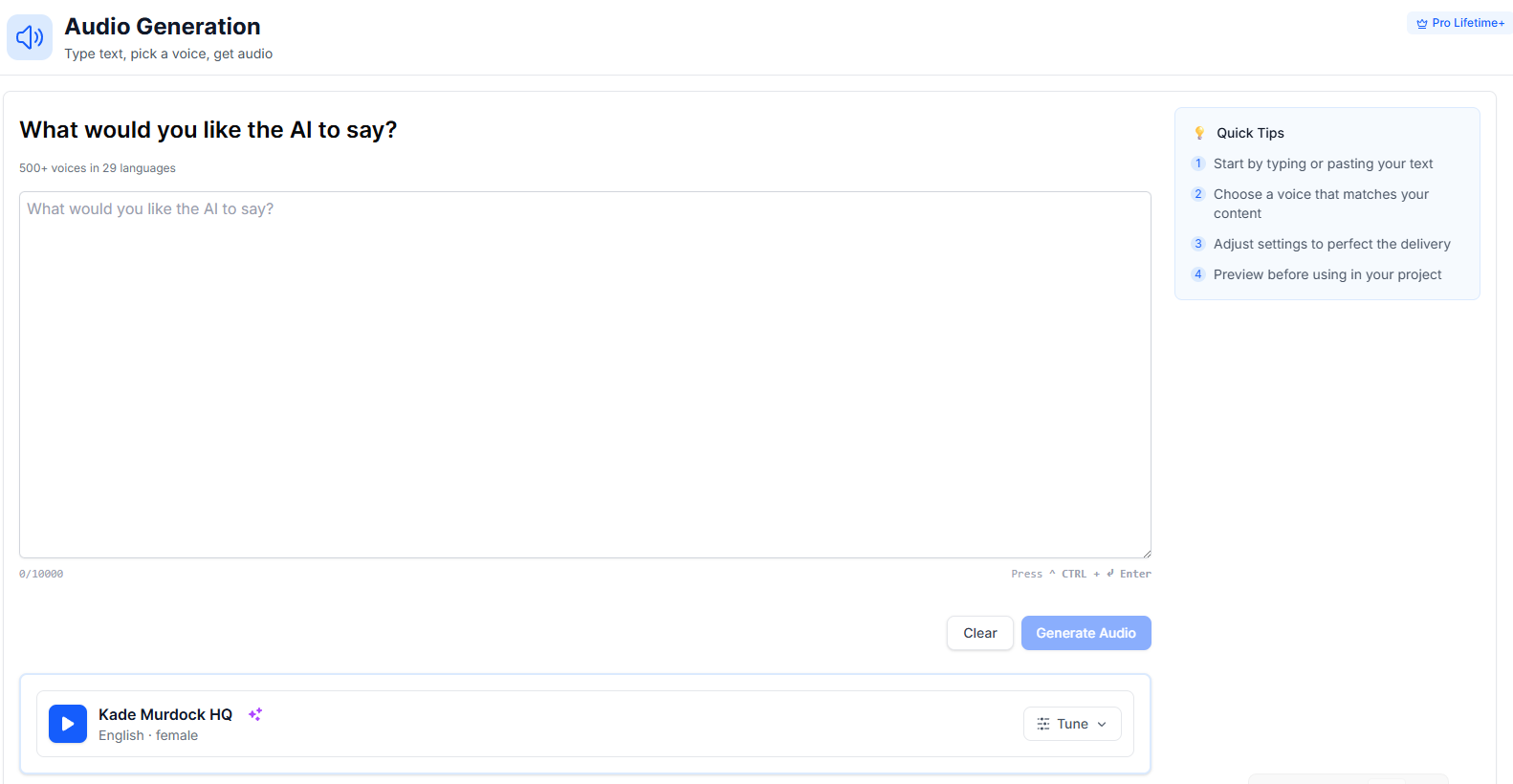
This talking photo generator also allows users to generate an audio in simple steps.
-
Type or copy and paste text into the box.
-
Choose a voice that fits your content. [You can also adjust its settings for the perfect delivery.]
-
Click generate!
-
Preview the audio before using it in your AI avatar animation project.
2. Voice Cloning
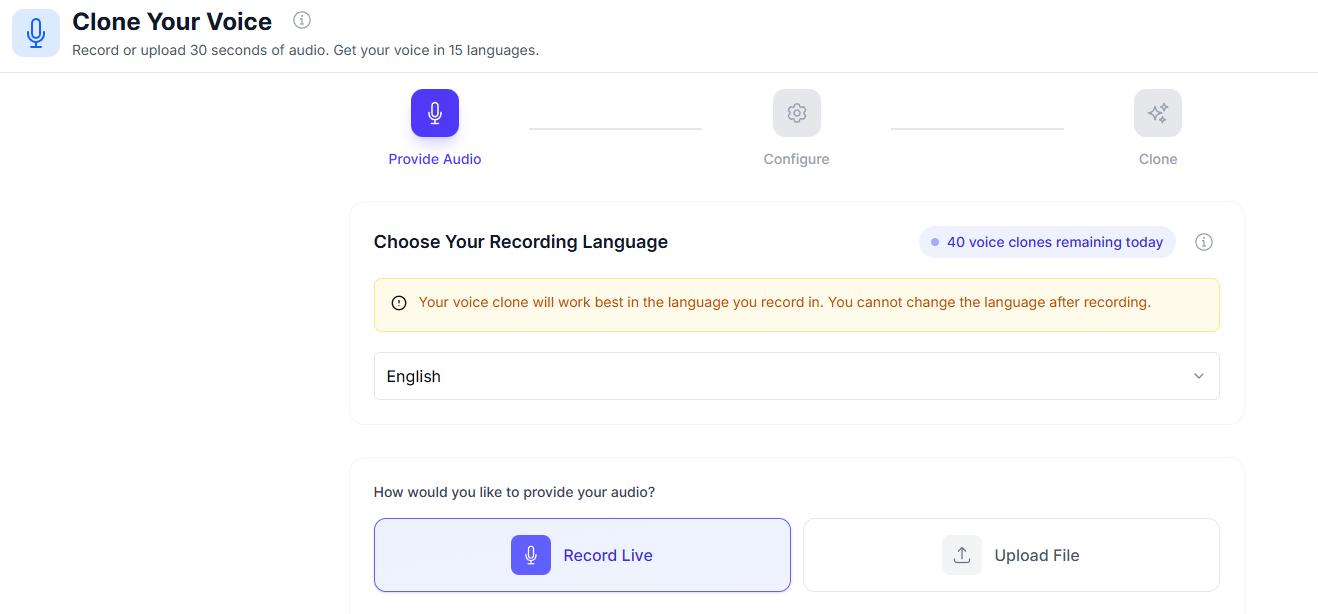
Search for a voice replication software no more because this platform also offers an AI voice cloning feature.
1. Record your voice/upload an audio file in the text-to-speech AI tool.
2. Select a recording language.
Remember: Your voice clone will work best in the recorded language, and you’ll not be able to change the language after recording.
3. To record live, read the provided passage.
4. Start recording.
You can clone voice AI in up to 15 languages - all while keeping the speaker’s tone and cadence.
3. Voice-to-Voice Conversion
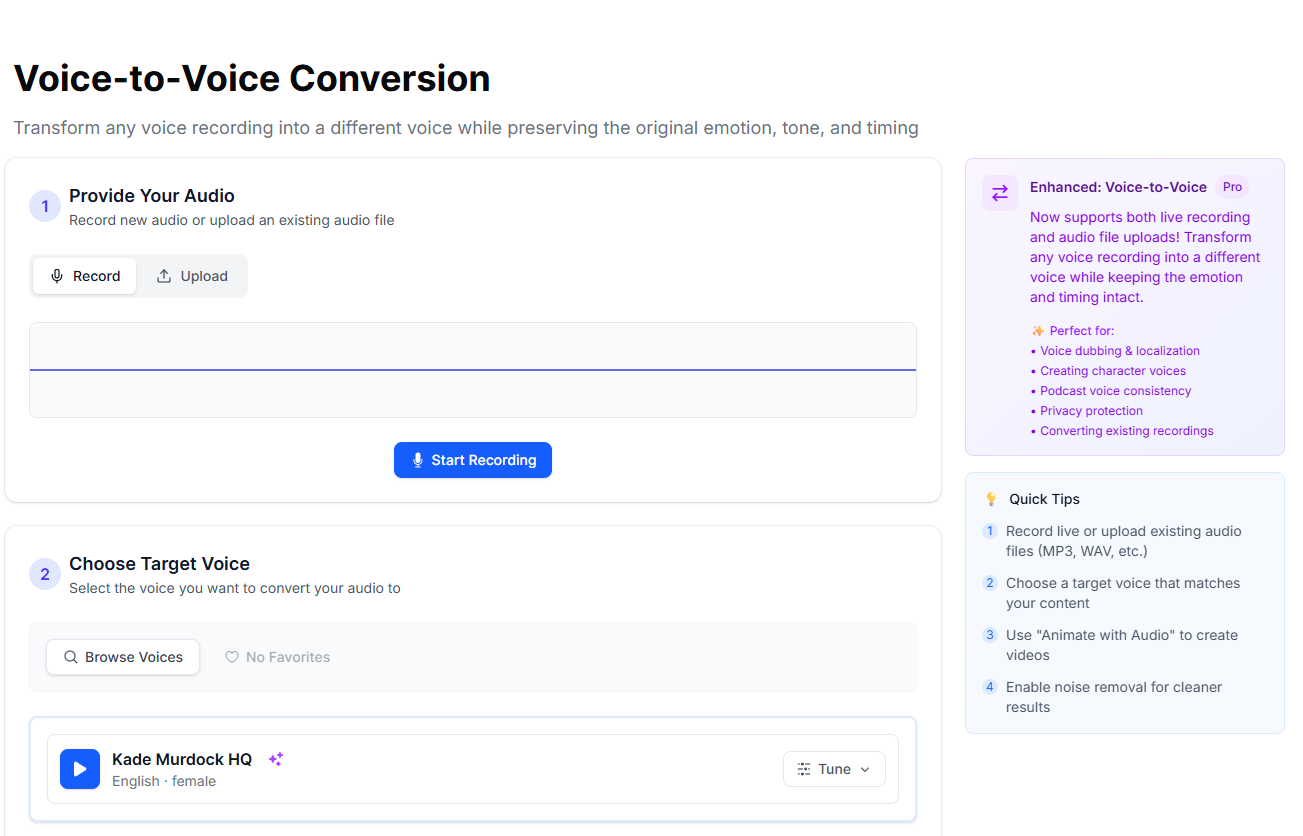
Transform voice AI in a cinch for localizing content, voice dubbing, and creating a character voice (games, etc.). You can also use this feature for podcast voice consistency and privacy-first voice replacement.
This AI voice changer lets you transform a recording into a different voice without losing timing, delivery, and emotion.
-
Record live/upload an audio file (supports WAV, MP3)
-
Choose a voice from the library.
-
Write an audio description.
-
Enable noise removal for a cleaner result.
-
Adjust settings.
-
Convert voice!
Download or use “animate with audio” to generate an AI talking head video.
Puppets, Characters, and Images
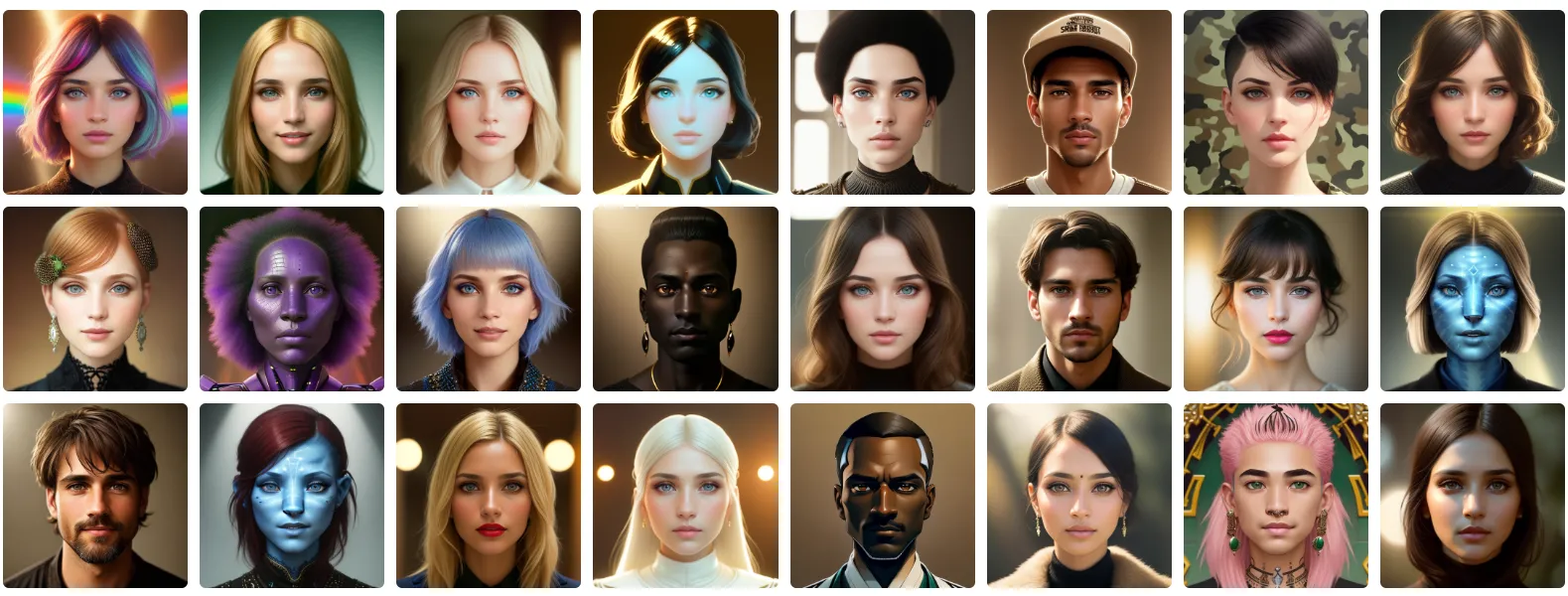
Pick from one of more than 494K+ AI-generated puppets to turn photo into video for social media and other applications, ranging from creative characters to realistic presenters.
Create and Customize Puppets
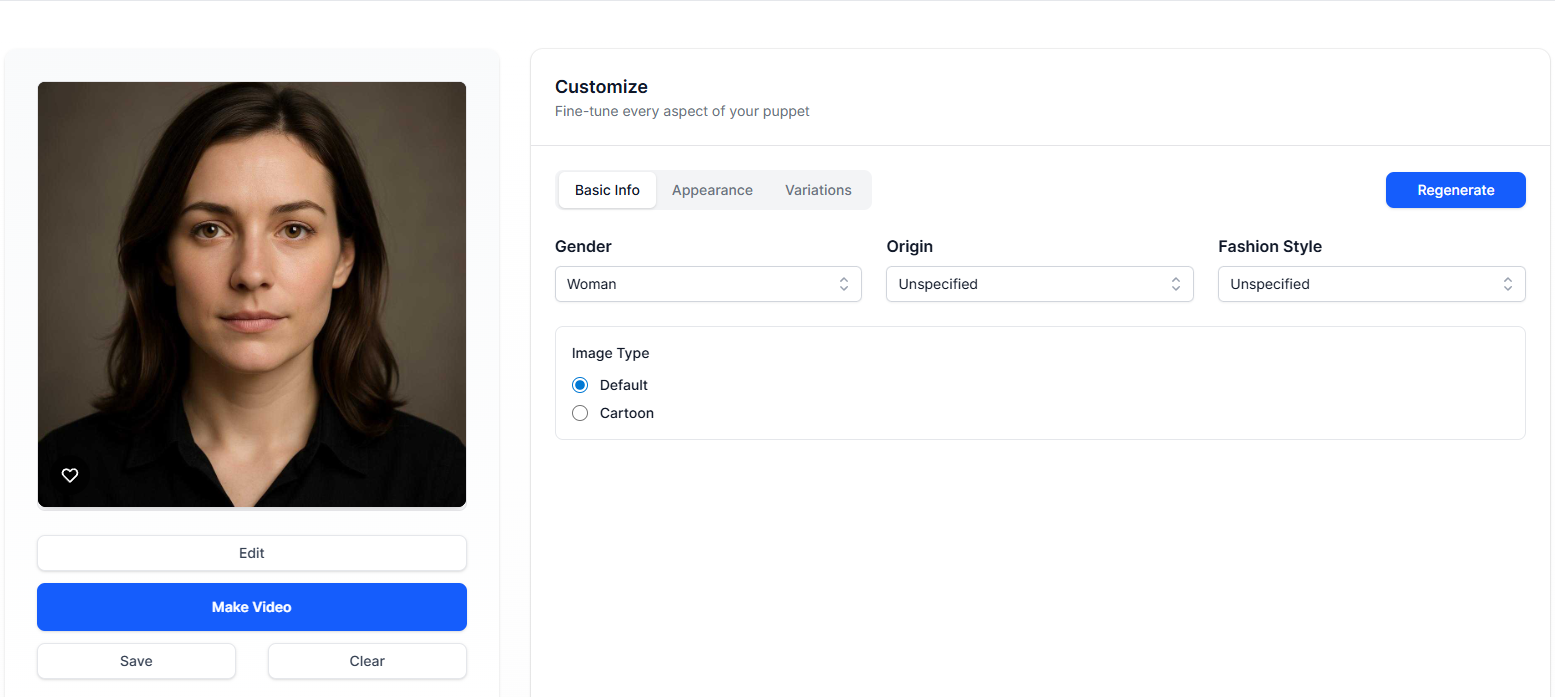
This platform is not only for voice-to-voice conversion and AI face animation but also for creating and customizing puppets based on visual style, gender, and other variations/design details.
Image Generator
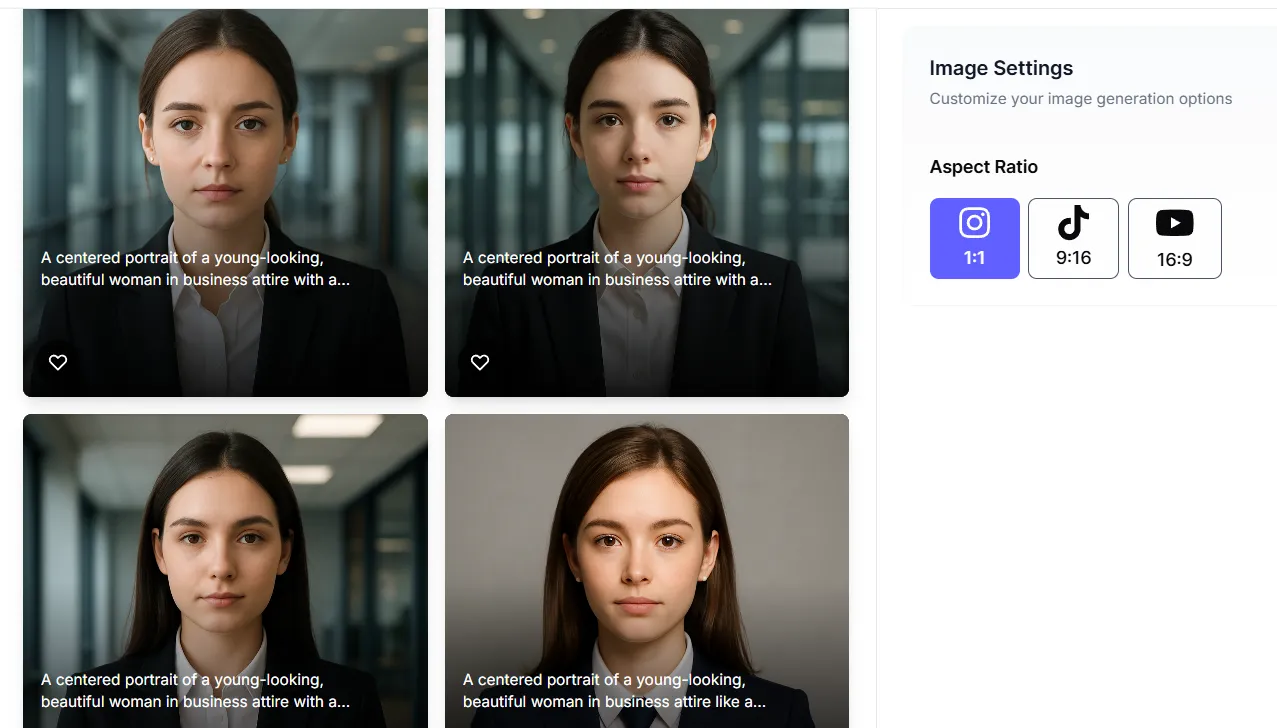
This photo-to-talking video creator also features an image generator, which you can later download or animate. Just describe your image/character, then let AI generate a face to animate photo AI for your creative projects.
Customize your settings
-
1:1
-
9:16
-
16:9
Cartoonify a Photo
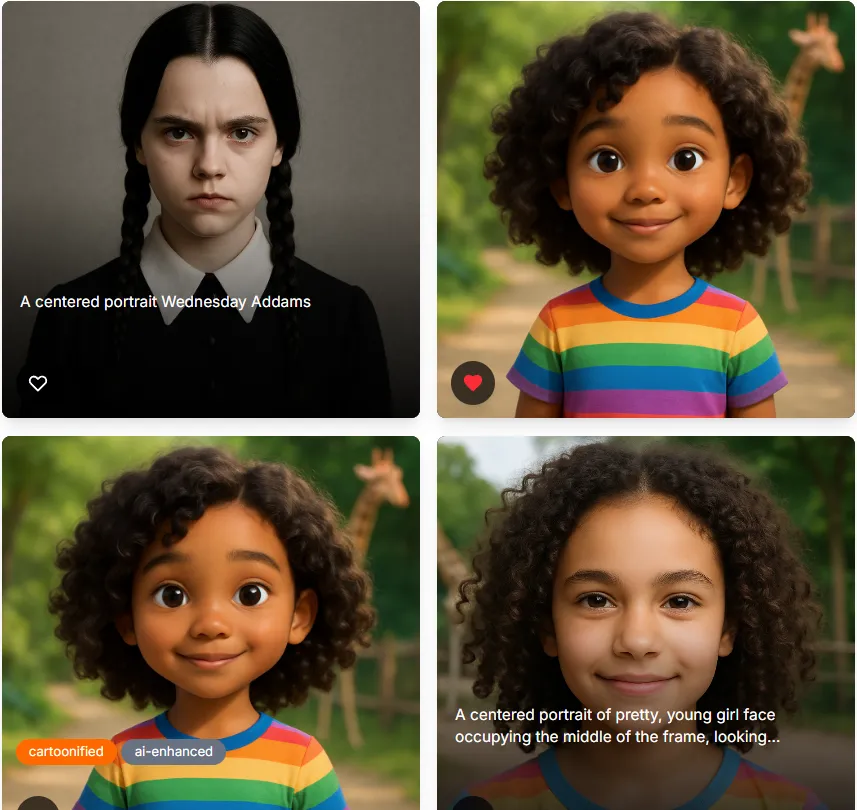
Create a cartoon avatar AI in seconds with Puppetry AI! Upload an image and create a stylized version (anime Disney/Pixar, sketch, comic book, or watercolor), while preserving the pose and facial structure of the original photo.
-
Upload an image, or take a selfie with your camera (Tip: Use well-lit and clear photos for the best results).
-
Cartoonify photo!
-
Download, share on social media, or animate your anime avatar AI!
Quick Tips
-
Adjust intensity for variations in styles. You can create a more refined output with higher detail levels.
-
Use the Enhanced AI feature to analyze the photo, then generate a cartoonified version that preserves the real photo’s features, including the pose.
Script Generator
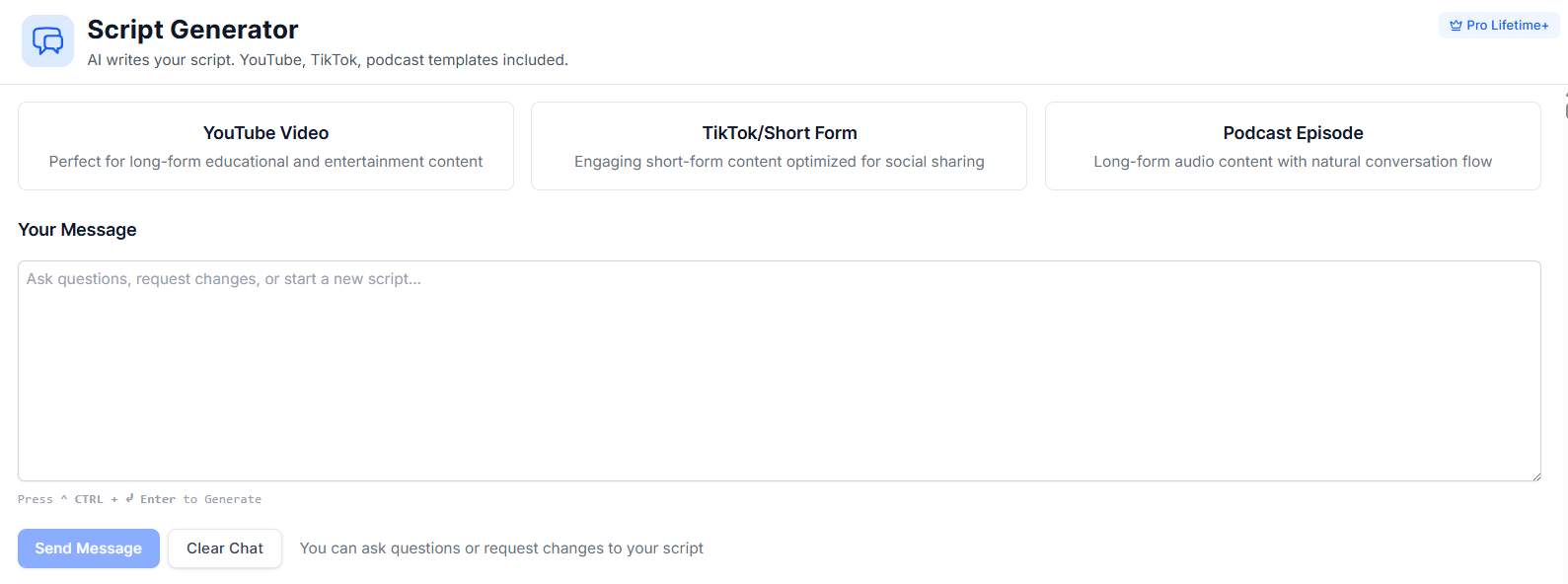
Generate a YouTube video script AI with Puppetry’s built-in script generator, powered with templates for short-form content like shorts, reels, TikTok, as well as YouTube videos and podcast episodes.
-
Write a prompt or provide a topic.
-
Let the AI script generator generate a script, which you can turn into a video or audio later.
File Management and Workflow
Organize your files (videos, audio, puppets, and images) and never miss anything in the file management section of Puppetry AI.
Conclusion
YouTubers, marketers, educators, businesses, teams, and course creators use Puppetry AI for professional videos or social media content, thanks to the all-in-one suite of tools it has that let them animate photos, write scripts, create puppets, cartoonify photos, and clone voices for different applications.
This AI talking head generator is flexible and simple to use, too, reducing the time and cost involved in traditional and manual filming and animation, simplifying the entire process of producing a presenter-style AI video across formats and languages.
Use Puppetry today and streamline your creative projects!
Related Articles
Discover more insights and expand your knowledge with these hand-picked articles

AI Talking Head Generators Explained: Technology, Use Cases, and What to Expect in 2026
AI talking head generators have clearly transformed how we create and produce digital content. Learn more here!
 Sarah
Sarah
Discovering the Top 15 Creative Video Use Cases | Puppetry AI
Video content is powerful, versatile, and essential for connecting with audiences. Let's dive into the top creative video use cases that turn heads and make waves.
 Sarah Reyes
Top 10 AI Talking Head Trends to Watch in 2026
2026 is shaping up to be the year AI talking heads start becoming your most reliable digital coworker. So, let’s explore AI talking head trends this year!
SarahReady to Create Amazing Content?
Join thousands of creators who use Puppetry to bring their ideas to life. Start creating engaging content today with our AI-powered platform.